 Lunote
Typora-style editing
Visual and source modes, slash menu, tables, math, Mermaid, callouts, and focus mode.
Lunote combines comfortable visual editing with built-in [[wiki links]], backlinks, and a knowledge graph.
Open any folder of .md files—no import, no account, works offline.
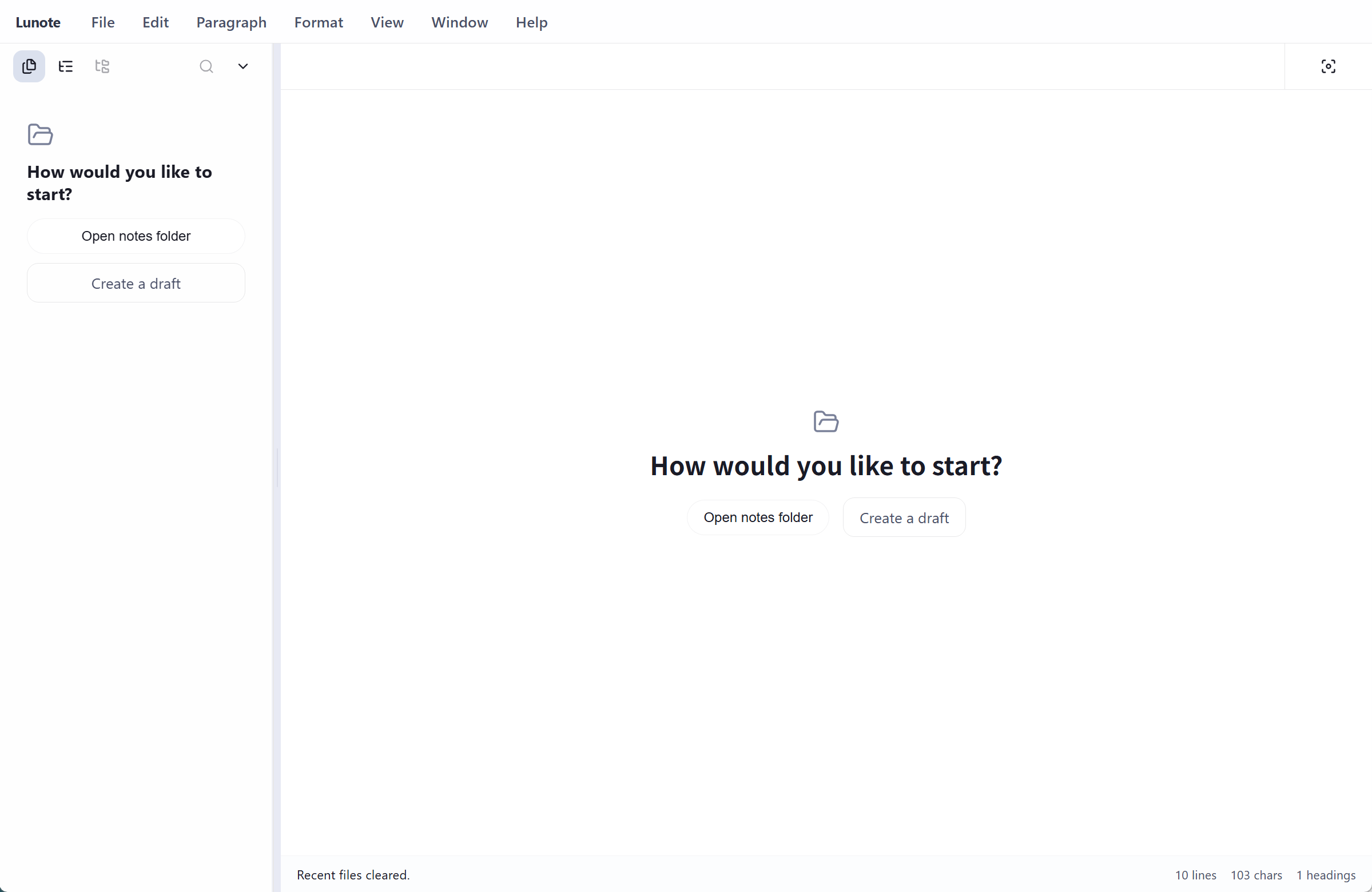
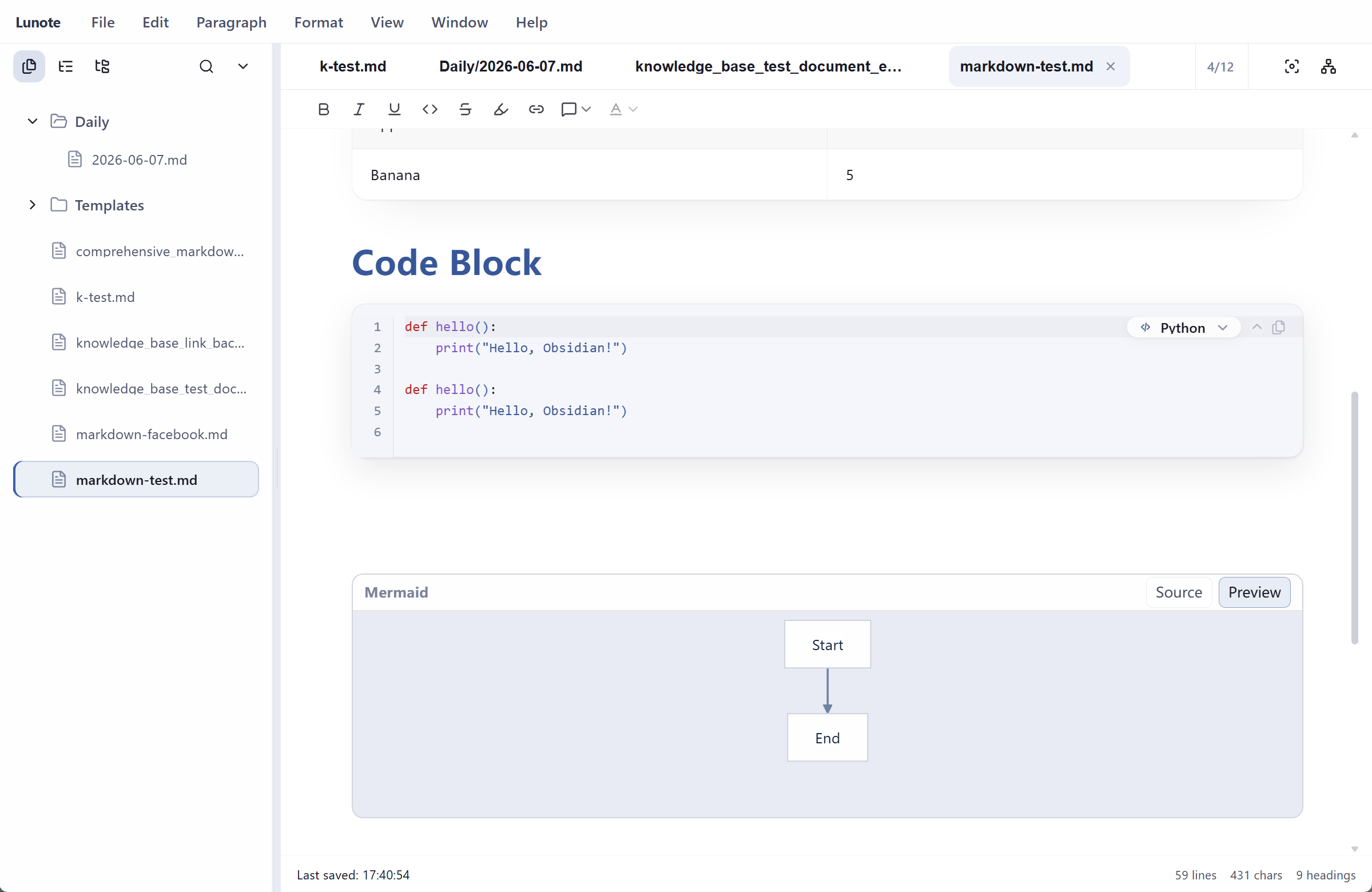
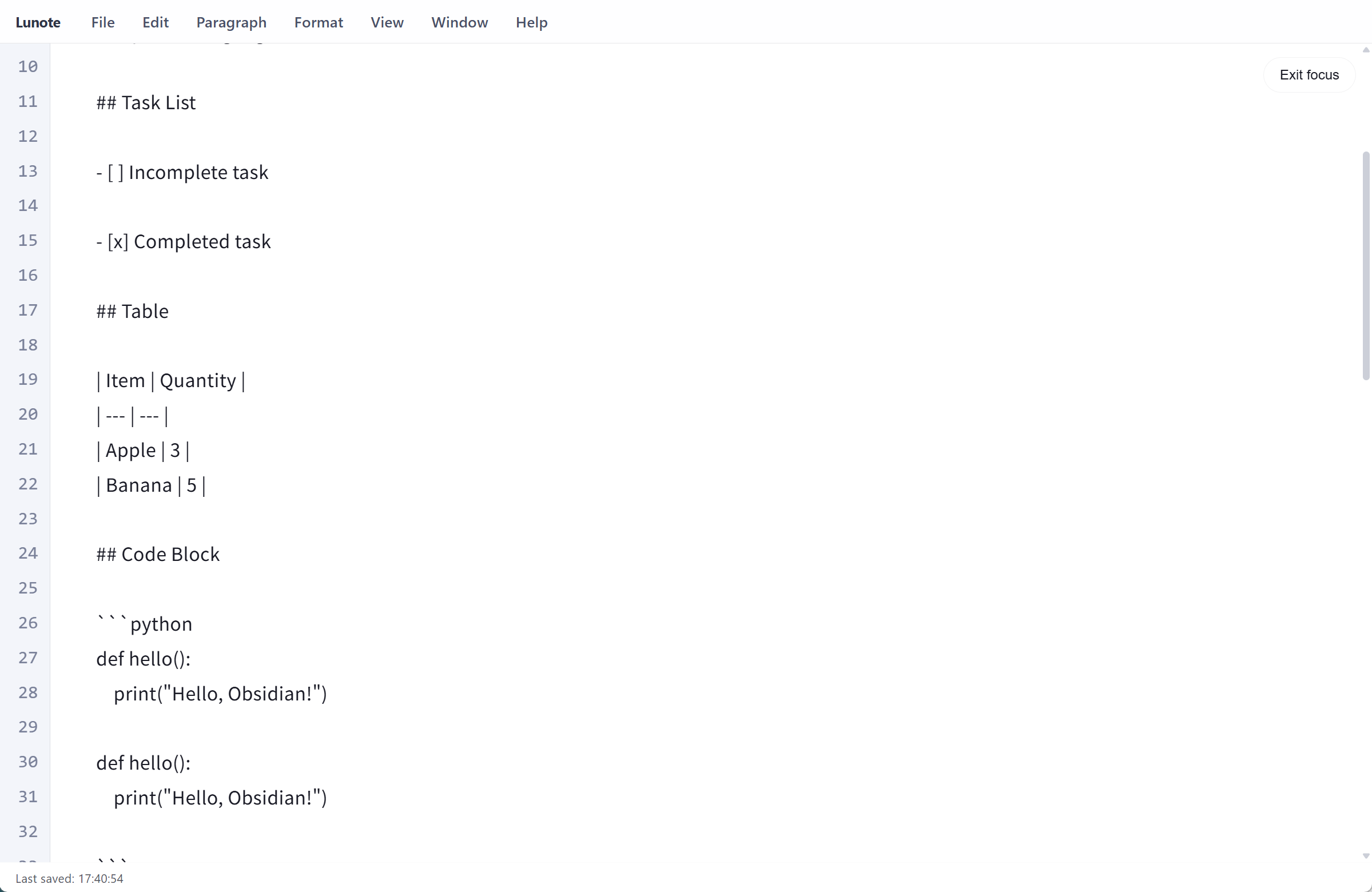
Writing, linking, export, and cross-platform support work out of the box—no plugin maze to get started.
Visual and source modes, slash menu, tables, math, Mermaid, callouts, and focus mode.
[[Wiki links]], backlinks, local graph, tags, and YAML frontmatter on plain files.
PDF, Word (DOCX), HTML, and PNG for sharing or archiving outside your vault.
Native app for macOS, Windows, and Linux. UI available in 11 languages.
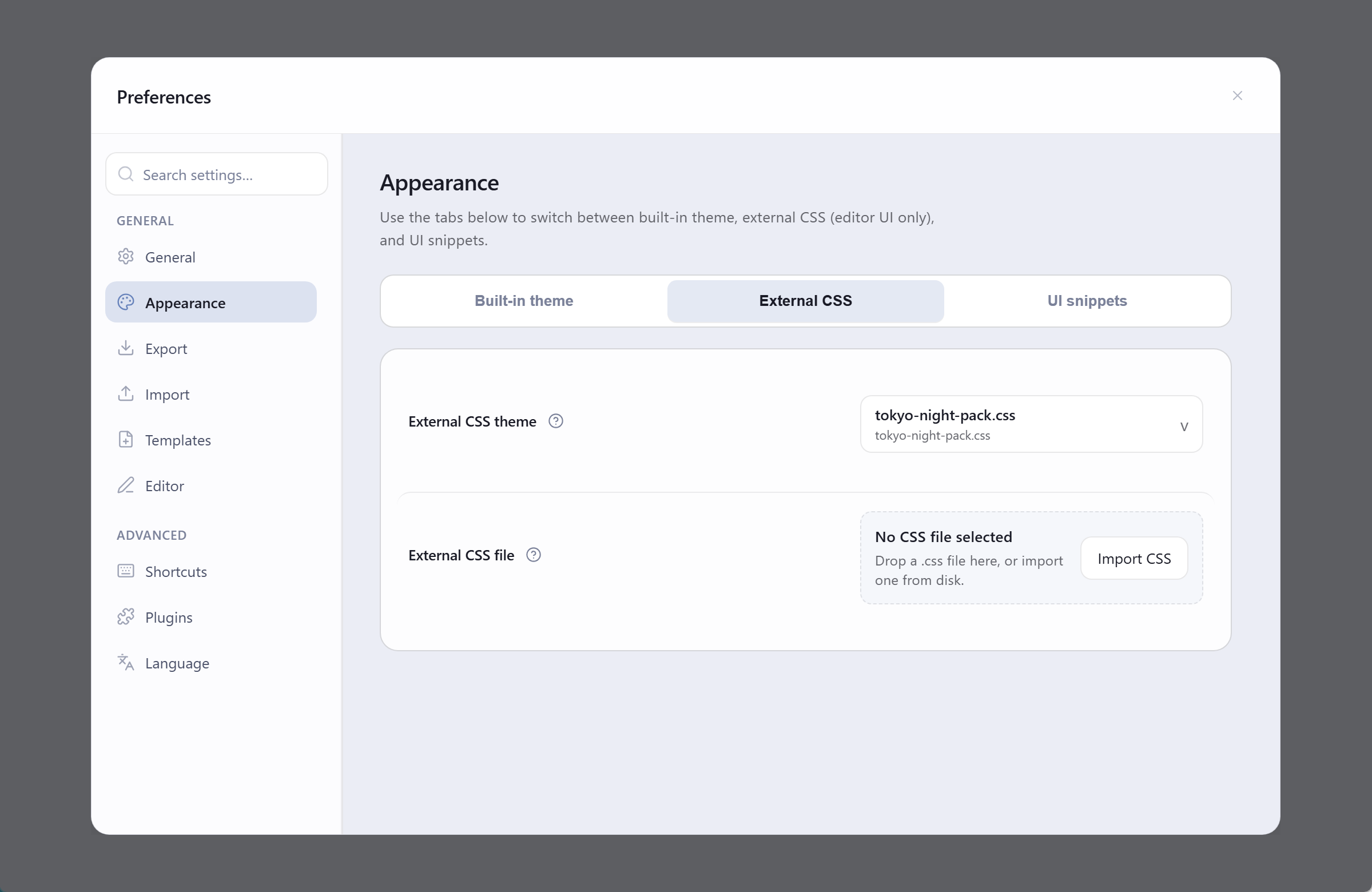
Six built-in presets, a Theme folder for custom CSS and JSON tokens, and an optional community catalog—no plugins required for writing or linking.
GitHub, IDEA, and Dim—each in light and dark. Switch from the Theme menu or Preferences.
Drop CSS, snippets, and JSON tokens into ~/.luna/theme/. Rescan to pick them up instantly.
Browse and install theme packs from Preferences → Plugins when you want a ready-made style.
Already on Typora or Obsidian? Lunote is for people who want both in one app.
| Typora | Obsidian | Lunote | |
|---|---|---|---|
| Writing experience | Excellent | Good | Excellent, built-in |
| Wiki links & graph | Limited | Strong (often via plugins) | Strong, built-in |
| Plugins to get started | Few | Many | Optional (themes) |
| Your files | Plain .md | Plain .md | Plain .md |
Ideas on local-first notes, knowledge systems, and developer workflows.
Scattered notes capture facts; a system captures relationships, context, and reusable thinking patterns.
Why offline-capable, file-based tools are winning back trust from cloud-only note platforms.
Open an Obsidian, Typora, or Logseq vault—or any directory of Markdown files.
Get Lunote free