 Lunote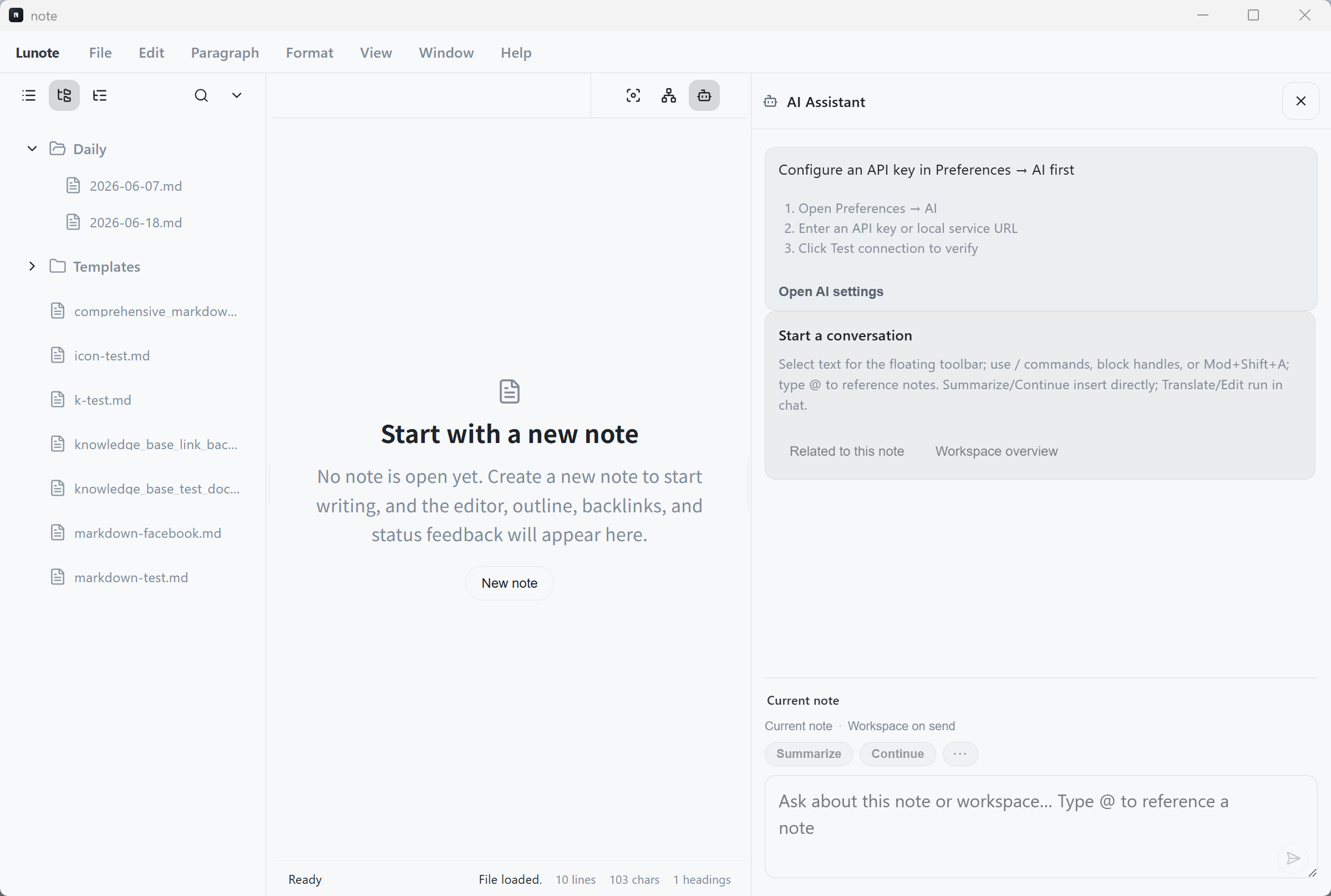
The copy-paste tax
Every time you open a generic chat window, you pay a hidden tax: re-establish context. You paste the current paragraph, maybe a second file, then explain how they relate. By the time the model answers, you have already done half the cognitive work—and the reply may ignore the five notes you forgot to attach.
Workspace-aware AI removes that step. The assistant reads from structured sources inside your vault:
the open note, your text selection, notes linked via [[wiki links]], and optional workspace search results.
You ask a question in place; the model answers with the same grounding you would give a teammate sitting next to you.
What “workspace-aware” means in practice
- Current note — Summaries, outlines, and rewrites use the full document you are editing—not a stale paste.
- Selection — Highlight a paragraph to tighten wording, translate, or turn bullets into prose without touching the rest.
- Linked neighbors — Follow outbound wiki links and inbound backlinks so related concepts ride along automatically.
- Vault search — Pull in snippets from elsewhere in the workspace when the question spans multiple topics.
Context is not “more tokens.” It is the right tokens—chosen from your graph, not dumped from your entire hard drive.
Why this pairs with local-first notes
Cloud notebooks often bundle AI that reads everything in your account by default. Local-first tools like Lunote invert the default: your Markdown files stay on disk, you bring your own API key, and only the context you trigger is sent to the provider.
That matters for work notes, client material, and half-finished ideas you are not ready to upload anywhere. AI becomes an accelerator on top of files you already own—not a reason to migrate into someone else’s database.
Concrete workflows developers use
Incident follow-up
Open [[incident-2026-06-postgres]] with links to the runbook and prior outages.
Ask the assistant to draft a postmortem outline using those neighbors—no manual assembly of three tabs.
Architecture drafts
While writing an ADR, select the “Alternatives considered” section and ask for counter-arguments grounded in your linked decision notes. Backlinks show which services already depend on the choice you are documenting.
Learning notes
Capture concepts as you read. When a note grows messy, ask for a structured summary that respects the links you already added to prerequisite notes.
Workspace AI + knowledge graph = compounding returns
AI on isolated documents gives one-off answers. AI on a linked vault gives answers that improve as your graph grows—because neighbors carry definitions, prior decisions, and naming conventions you established months ago.
That is the difference between a chat toy and a thinking environment: the model stops being a blank slate and starts behaving like a pair programmer who read your internal wiki.